Join a card and collect
There is nothing to install and no plastic card to lose. You scan the QR poster at the counter once, and the card is on your phone from then on.
Scan the poster at the counter
Point your phone camera at the venue’s QR poster — the one by the till. It opens Tallyr in your browser and offers you that venue’s card. The same scan asks the team for your first stamp: see Ask for a stamp.
Already have Tallyr open? The Scan tab does the same job — it asks for the camera the first time, and offers a manual code if scanning will not play.
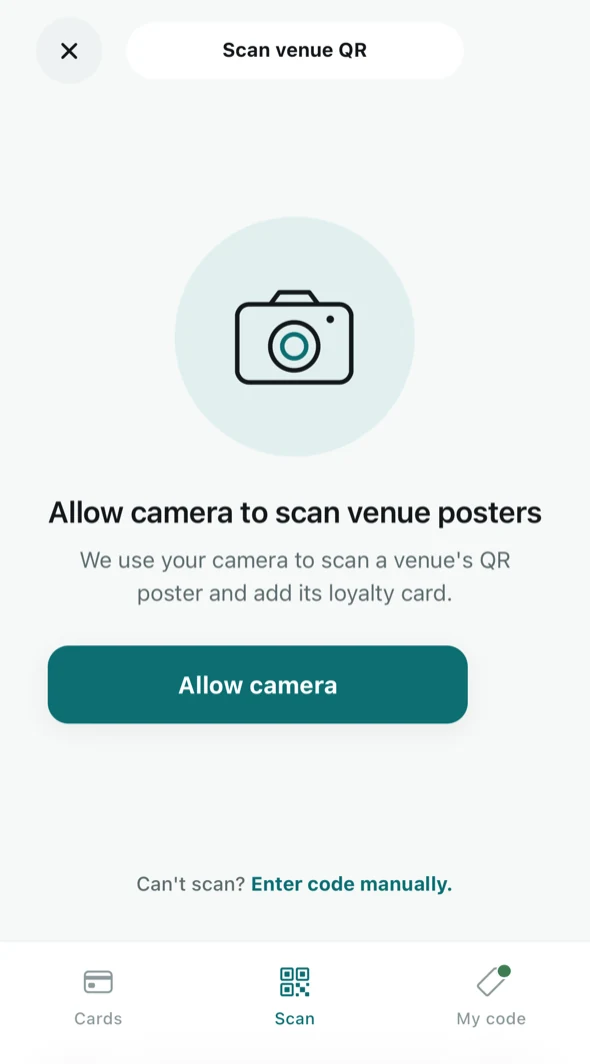
Scanning a venue poster from inside the app. Sign in with a six-digit code
Give your email address and Tallyr emails you a code. There is no password to choose and none to forget, and if you are new the same code creates the account.
Signed in within 15 minutes of scanning? Your stamp request goes to the counter then. Take longer and you land on your card instead (or on the card choice, if the business runs several); scan the poster again to ask for the stamp.
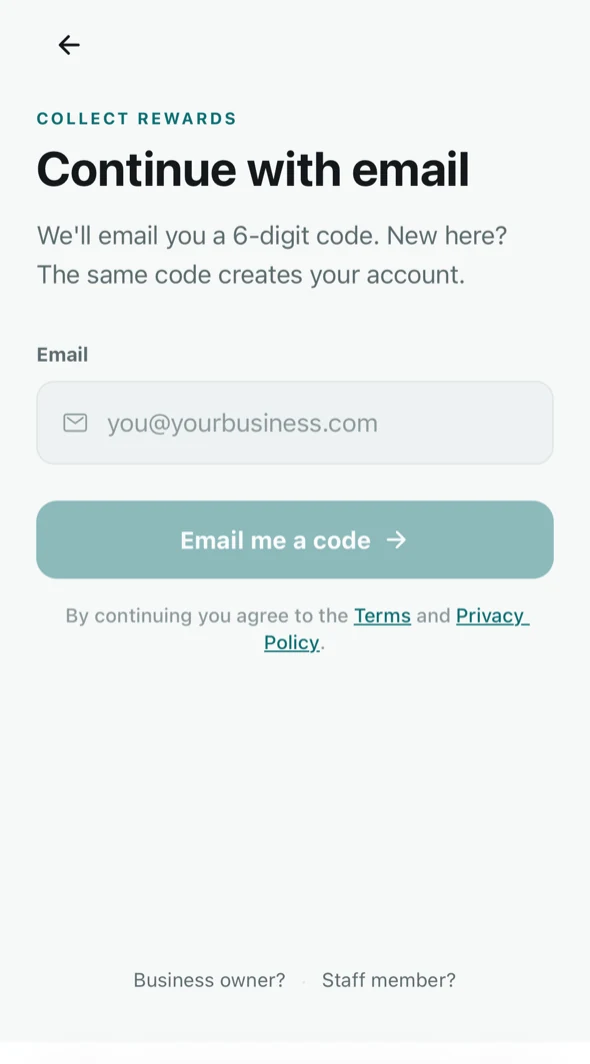
Signing in — no password, ever. NoteOne account covers every business you collect with. Join a second café and its card lands in the same place.
Your cards
The Cards tab is the wallet. Each card shows the business, the reward, and how far along you are — and anything ready to claim floats to the top.
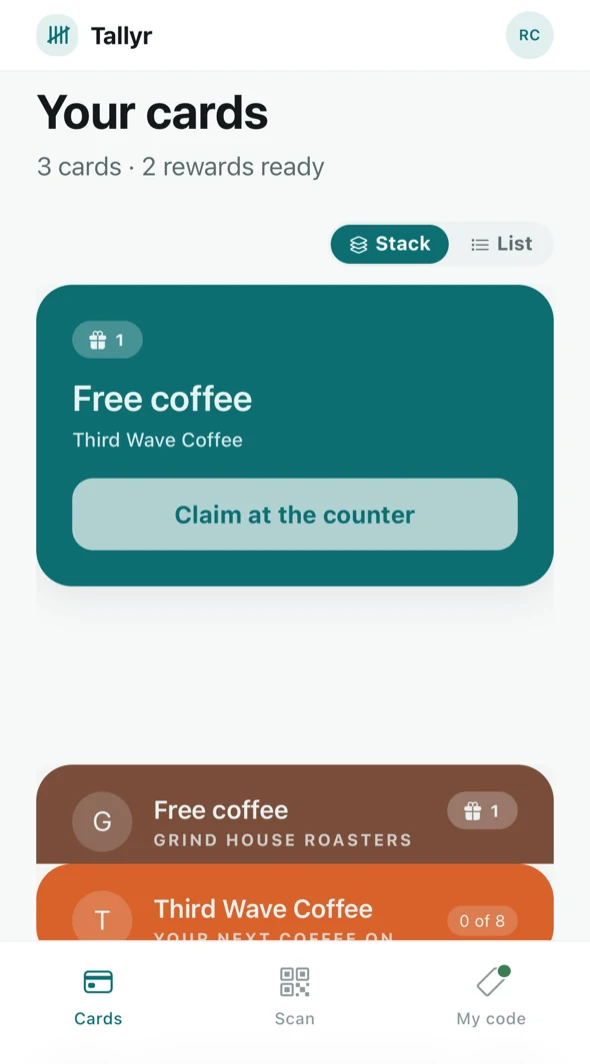
Three cards, two rewards ready. Stack stacks them; List lays them out side by side. It is only a view preference.
Collect a stamp
Scan the poster again and the team confirms your stamp — see Ask for a stamp. Or show your code and the staff member scans it — see Show your code at the counter. Either way your card updates the moment the stamp is added.
Tap a card to open it and see the stamps, the reward you are working towards, and whether it runs at every branch or just this one.
What the business can see
The venue sees that you collected a stamp, when, and at which of their shops — the same things a paper card would tell them, minus the card. They do not see your other cards, or anything you do at another business. The Privacy Policy sets out exactly what is stored.