Your shift and your profile
Two screens beyond the counter: how today is going, and who and where Tallyr thinks you are. Plus the till screen, if your counter has a tablet or computer.
Today's activity
The Activity tab counts your shift at the venue you are on: scans, unique customers and rewards handed out.
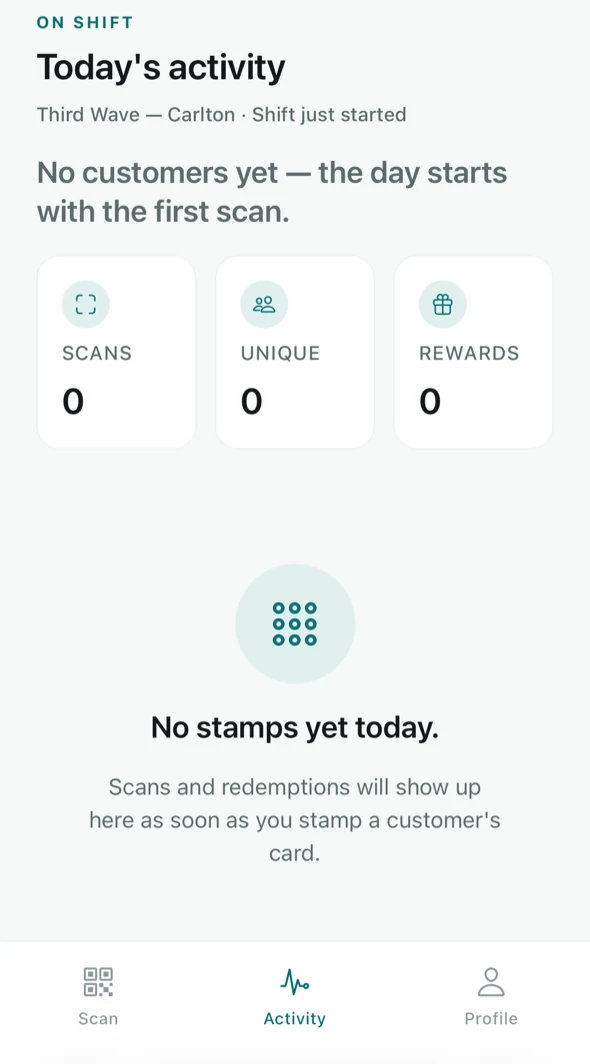
- Scans — how many times you stamped a card.
- Unique — how many different customers that was. Lower than scans if someone came back twice.
- Rewards — full cards you redeemed.
It resets with the day, and it is scoped to the venue at the top — so it is your shift, not the whole business.
If the numbers fail to load, Tallyr says so rather than showing zeros. Stamps you already added are safe either way — pull to refresh.
Your profile
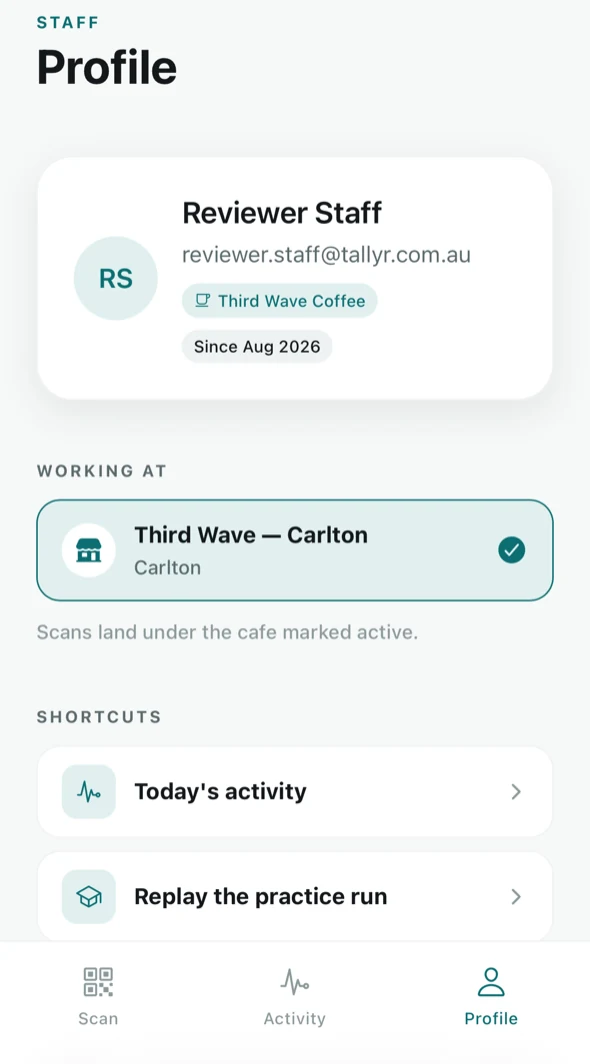
The Profile tab shows who you are signed in as, which business you work for, and — under WORKING AT — the venue your scans are landing against.
Working at more than one venue
If your manager assigned you to several shops, they are all listed here and the active one is ticked. Tap another to switch. As the screen puts it: scans land under the cafe marked active — so switch when you move shop, not at the end of the day.
Shortcuts
- Today's activity — the same screen as the Activity tab.
- Replay the practice run — the rehearsal, any time you want it.
The till screen New
If your counter has a tablet or a computer by the register, open the Scan tab there and choose Open till screen. The scanner and the stamp requests list sit side by side, and it stays open all shift. Every stamp added on it counts towards the account signed in there. See Use the till screen.
What you can and cannot see
Staff see the counter, their own shift and their profile. Billing, the customer list, the owner's insights and any venue you were not assigned to are not visible to you — there is nothing you can break by tapping around.
Something wrong — the venue list, a card that will not stamp, access at a new shop? All of it is set by the business owner, from their side of Tallyr. Point them at Invite and manage your staff.