Find your way around
The owner app is four tabs and one menu. Once you know which is which, everything else in these guides is a couple of taps away.
The home screen
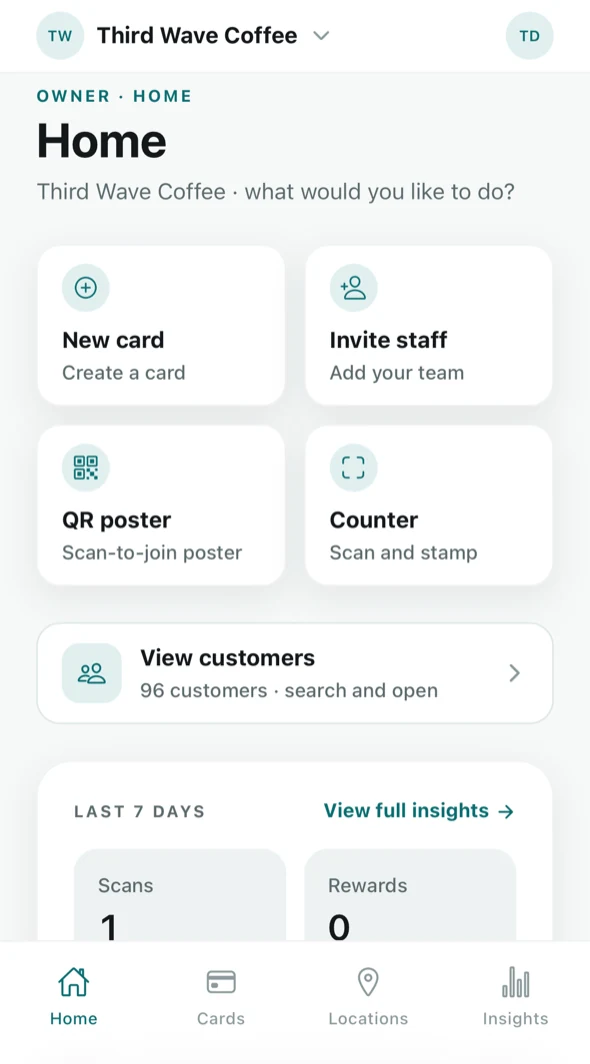
Home is where you land. It carries your quick actions, a shortcut into your customer list, the last seven days at a glance, and — while you are still setting up — a checklist of what is left to do.
A brand-new business sees one extra thing: a Get set up checklist that tracks the four steps to a working loyalty program and disappears once you have done them.
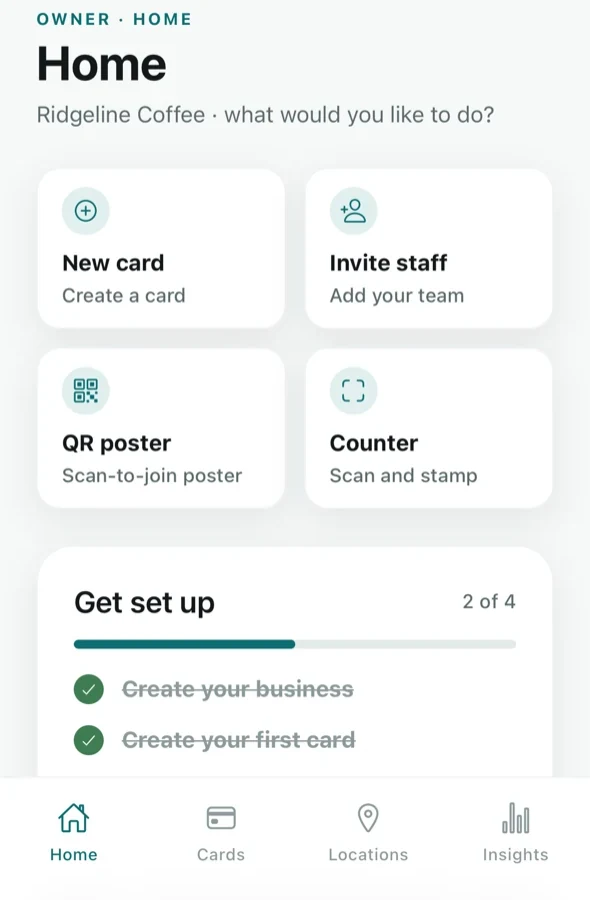
Across the top: the brand switcher on the left (tap it if you run more than one brand) and your initials on the right, which open the account menu.
The four tabs
The bar along the bottom never changes:
- Home — quick actions, your customer count, and the last seven days.
- Cards — your loyalty cards: create them, edit them, turn them on and off. Guide.
- Locations — your venues, their QR posters (with the tips for setting up a till) and their per-venue numbers. Guide.
- Insights — stamps, visits, rewards, who is close to a reward and who is drifting away. Guide.
Staff, customers and billing are not tabs. Staff and customers are reached from Home (and from Insights); billing lives in the account menu.
Stamp requests do not arrive in these tabs. When a customer scans your poster, the request goes to the counter: the Scan screen on a staff phone, and the till screen on a tablet or computer by the register. See Stamp requests.
The account menu
Tap your initials in the top right. This is where everything that is about you rather than about the business lives.
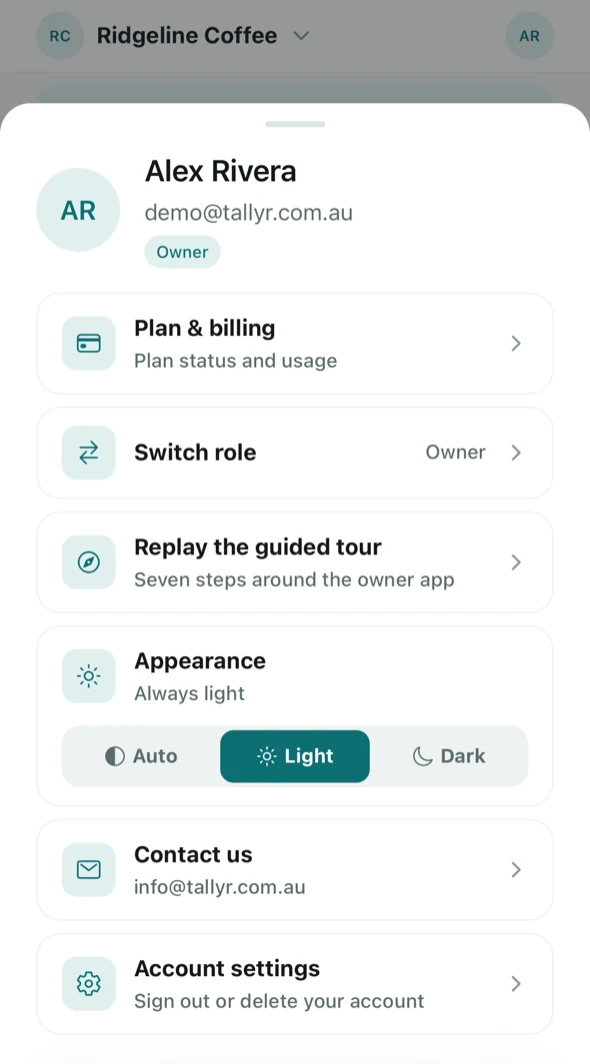
- Plan & billing — plan status and usage. Guide.
- Switch role — move between the owner, staff and customer views if your account has more than one.
- Replay the guided tour — replay the seven-step walkthrough of the owner app at any time.
- Appearance — force light or dark, or follow the device with Auto.
- Contact us — email us.
- Account settings — your profile, marketing email preference, sign out and account deletion. Guide.
The guided tour
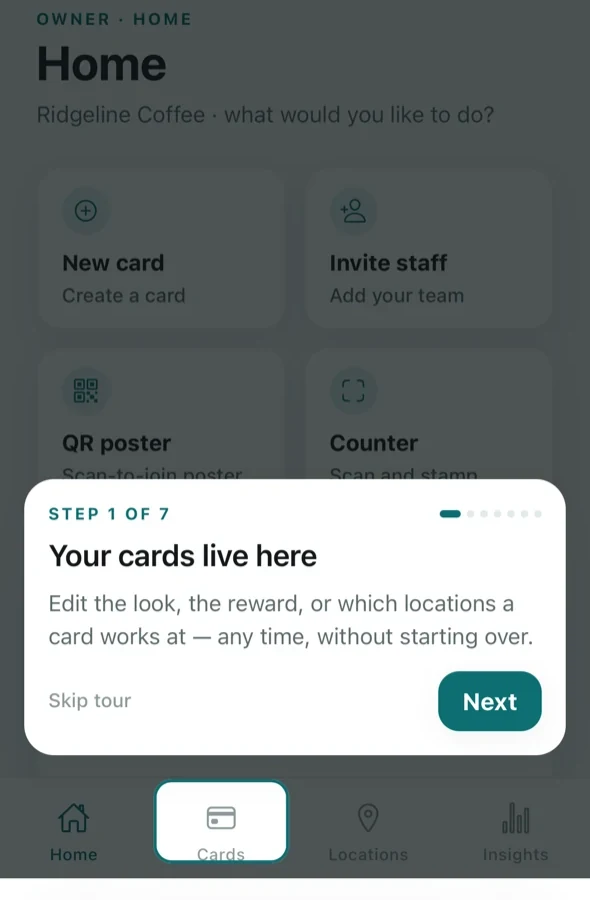
The first time you reach Home, Tallyr offers a seven-step tour that points at each tab in turn and says what it is for. You can skip it and replay it later from the account menu.
If you run more than one brand
The name at the top left is a switcher. Everything below it — cards, locations, staff, customers, insights — belongs to the brand currently selected, so check which one you are in before you change anything. The Free plan covers one business; Tallyr Pro covers two, and each one after that is $10 a month. See Your plan and billing.